
About
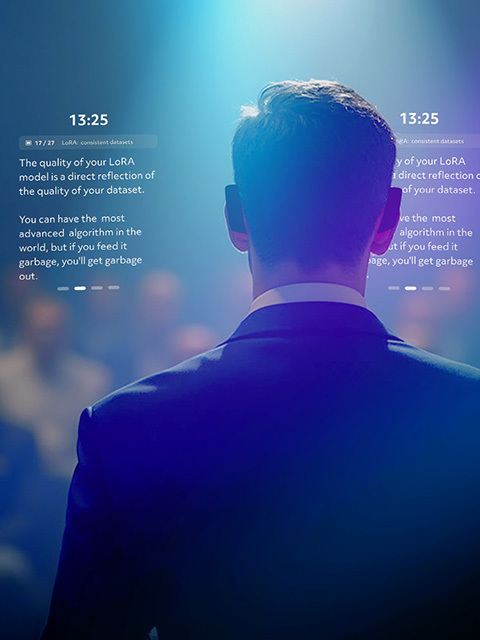
The Spectacles Teleprompter Lens addresses the common challenge faced by speakers, presenters, and performers who need to recall content accurately without losing connection with their audience. Traditional teleprompters are bulky and static, while looking at a phone or notes breaks eye contact. By leveraging AR glasses, your Google Slides presentation and speaker notes are seamlessly integrated into your view of the real world. Whether you're delivering a keynote, teaching a class, or giving a business presentation, this Lens helps you deliver confident, engaging presentations.
Features
Google Slides Integration
Connect via OAuth to import your presentations and speaker notes directly from Google Slides.
Flexible Navigation
Advance through slides using hand gestures, or connect via Chrome Extension for computer-controlled progression.
Saved Locations
Set up your teleprompter once in a location, and the Lens will remember it using spatial anchors. Return to the same space and your setup is automatically restored, so you don't have to configure it again.
No Clicker Needed
Control your presentation without a clicker or remote. Use hand gestures or let a colleague advance slides from their computer, giving you freedom to move and engage naturally.
Get Started
Ready to transform your presentations?
- Launch the Teleprompter Lens from Lens Explorer on Spectacles
- Follow the prompts to connect your Google Slides account
- Start delivering confident, engaging presentations while maintaining natural eye contact with your audience
- Optional: Install the Spectacles Teleprompter Chrome Extension from the Chrome Web Store for computer-controlled slide advancement